


Canva Social Media Templates
Standout on Instagram—Without Starting from Scratch
£25 GDP
Stop blending in—start showing up with scroll-stopping posts. These 30 customizable Canva templates, in two sizes, are designed to help creatives share their story, spotlight their work, and inspire action in every swipe.
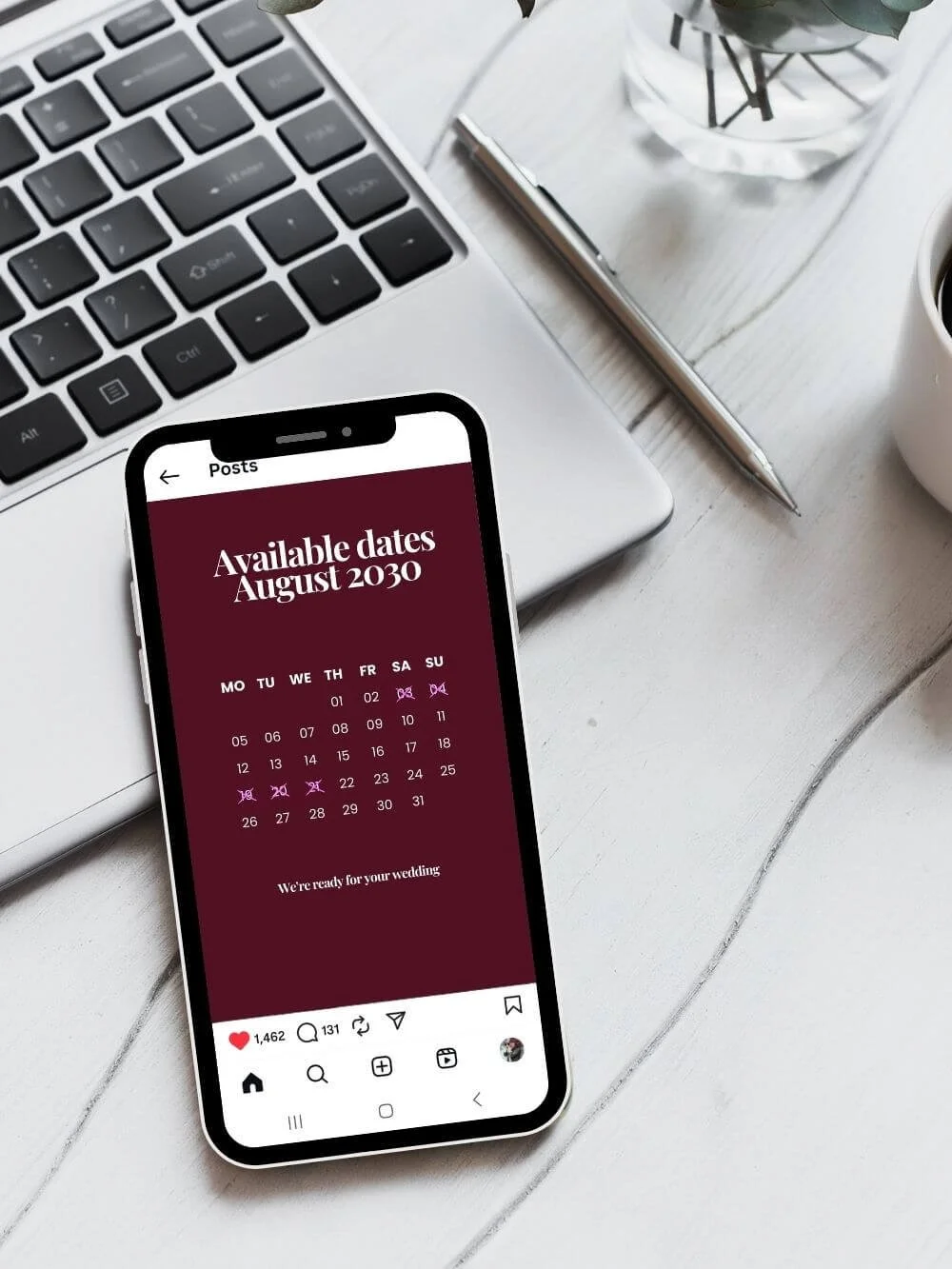
Your Brand Story, Curated to Connect
With 30 curated Instagram templates in two sizes (posts and stories), you’ll have everything you need to create a consistent, engaging presence. Each design is fully customizable in Canva, so you can swap images, fonts, and colors in minutes to match your brand.
From carousels to calls-to-action, tips to testimonials, this collection makes it easy to share your story, build trust, and convert followers into clients—without spending hours designing.

Just 3 Easy Steps
*
Just 3 Easy Steps *
Just 3 Easy Steps
*
Just 3 Easy Steps *

Post Smarter, Not Harder—in Just 3 Steps
1. Purchase & Download
After you check out, you’ll receive a PDF document by email. This PDF contains all the links you need to access your templates and a step-by-step guide on how to start using them.
2. Open in Canva
Click the link to open your templates automatically in Canva. If you don’t have a Canva account you can create one for free.
3. Edit & Share
Use the pdf guide to to walk you through using Canva, your templates and how to turn a single post into multi-slide storie and carousel.
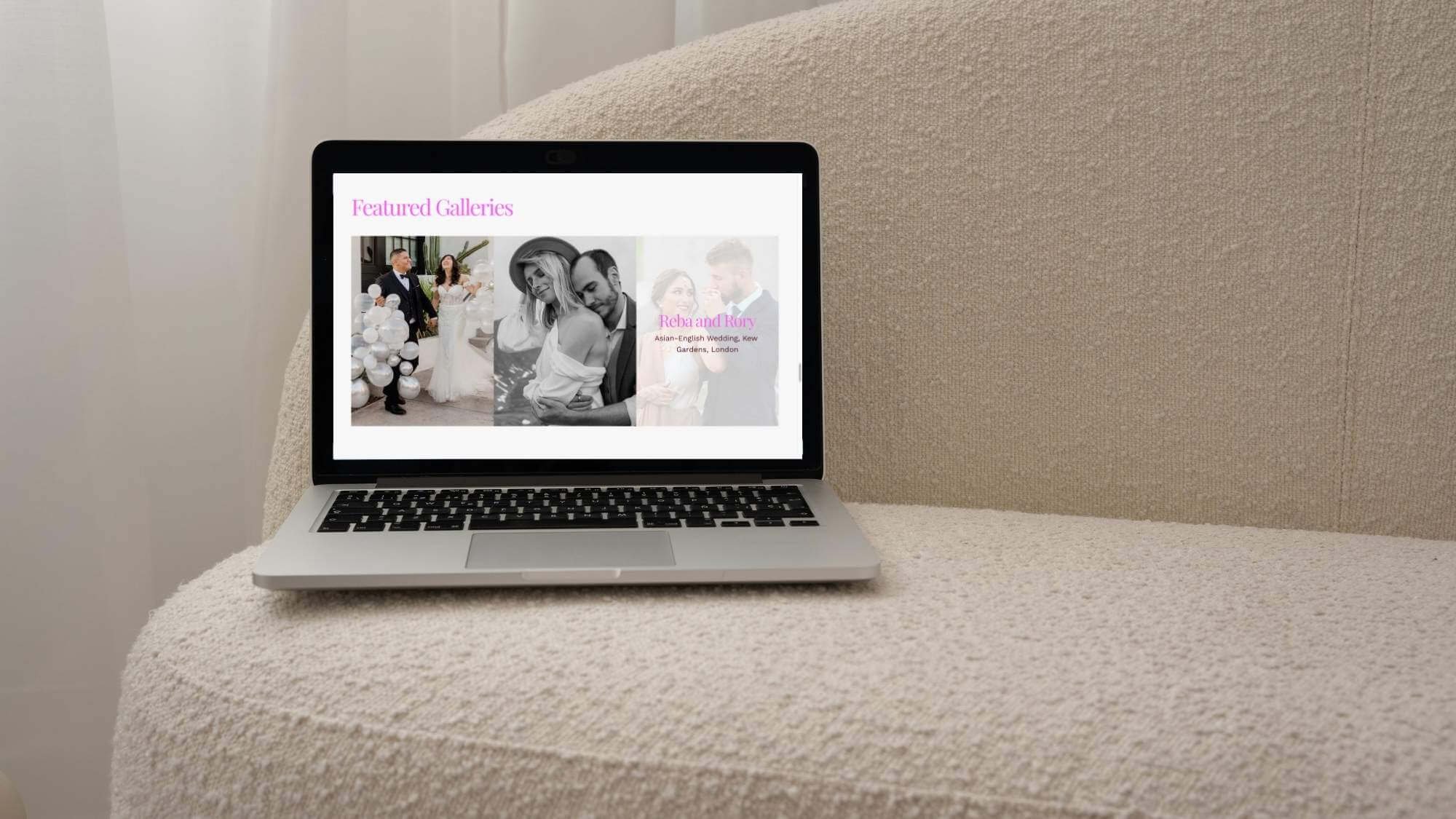
“An absolutely beautiful bold design! I’m so in love with how well it reflects my brand, as well as my personality.”
— Bizzy T
Post, Impress, Repeat—Your Feed Just Got an Upgrade
Spend less time designing and more time growing. These Canva templates deliver more than pretty posts—they create a cohesive, conversion-focused feed with tips, testimonials, and behind-the-scenes content that builds trust and books clients.
Each design comes in feed and story sizes, with expandable carousel options for deeper storytelling. Swap images, fonts, and colors in minutes for a polished, on-brand social presence that feels uniquely you.

Designed for Photographers, Perfect for Anyone. Your Photos, Your Story—Styled to Match
These Instagram templates are made for photographers—but they’re fully customizable to fit any style. Swap the text, tweak the details, and they’ll showcase your product or service beautifully, no matter the niche.


Social Templates FAQs
-
Nope! These templates work with the free version of Canva. If you do have Canva Pro, you’ll unlock extra features (like brand colors and fonts), but it’s not required.
-
Nope! These templates work with the free version of Canva. If you do have Canva Pro, you’ll unlock extra features (like brand colors and fonts), but it’s not required.
-
No design degree needed! Canva is drag-and-drop simple. This guide walks you through every step so you can swap images, change text, and customize colors without stress.
-
Actually, it’s the opposite. Templates give you consistency, which builds trust and makes your content easier to recognize. You still bring the voice, the story, and the personality—that’s what makes it authentic.
-
Instagram is the main focus, but you can resize and repurpose them for other platforms (like Facebook, Pinterest, or LinkedIn) right inside Canva.
-
No worries—Canva automatically saves your work, and you can duplicate a template before editing so the original always stays intact.
-
Templates don’t replace your talent or message—but they do help you show up consistently and professionally, which is often the difference between being overlooked and being remembered.
-
Because this asset delivered via instant download, all sales are final. In alignment with international digital consumer standards, once the files have been accessed or downloaded, they cannot be returned.
My goal is your total clarity—if you have any questions about whether this is the right fit for your specific objectives, please reach out before purchasing. I am here to ensure this investment aligns perfectly with your goals.